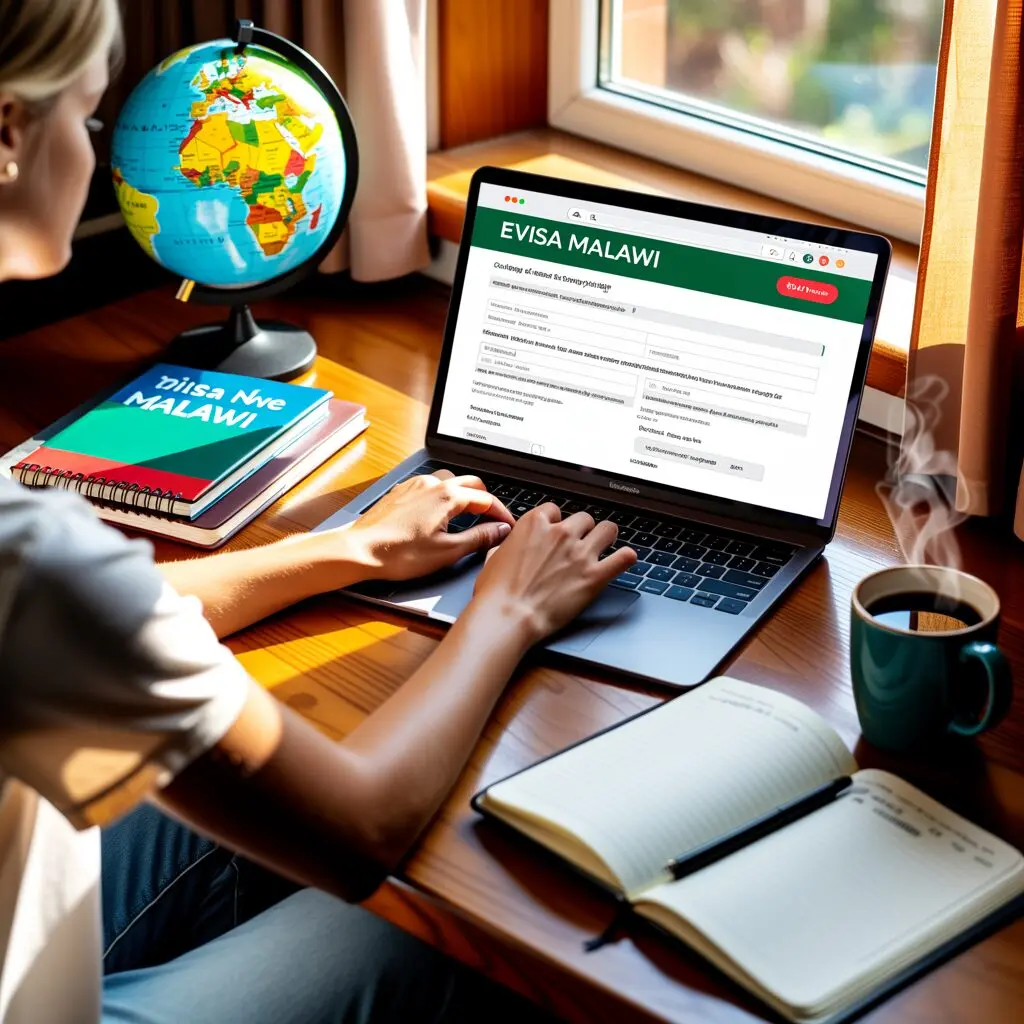
Applying for a Malawi e-Visa online takes just a few steps through the official portal at evisa.gov.mw, with the entire process from account creation to approval letter download completed digitally. The Malawi e-Visa application requires a valid passport, travel documents, and a credit or debit card for payment. This guide walks through every step of the application process so you can submit a complete, error-free request.
Before You Start: Documents Checklist
Gather these documents before starting your Malawi e-Visa application to avoid interruptions mid-process:
Having all documents ready in digital format before you begin prevents the application from timing out or being submitted incomplete.
Step 1: Create Your Account on evisa.gov.mw
Visit evisa.gov.mw and click the registration link to create a new user account. The registration form requires:
After registration, check your email for a verification link. Click the link to activate your account, then log in to the portal. The Malawi e-Visa system stores your account details so you can return later to complete an incomplete application or check your status.
Step 2: Complete the Application Form
Once logged in, select the type of visa you need (tourist, business, transit, diplomatic, or official) and begin the application form. The form is divided into sections:
Personal Information
Enter your details exactly as they appear on your passport data page. This includes full name, date of birth, place of birth, gender, and nationality. Any discrepancy between your application and passport can result in delays or rejection.
Passport Details
Provide your passport number, issue date, expiry date, and issuing country. Your passport must be valid for at least 6 months from your intended entry date into Malawi.
Travel Details
Enter your intended date of entry, date of exit, port of entry (such as Kamuzu International Airport in Lilongwe or Chileka Airport in Blantyre), and the purpose of your visit. For business visas, include the name and address of the company or organization you will visit.
Accommodation Details
Provide your accommodation address in Malawi – hotel name and address, or host details if staying with someone. Upload your hotel booking confirmation or invitation letter.
Step 3: Upload Required Documents
The application form prompts you to upload documents at the relevant sections. Ensure all uploads meet these requirements:
The portal may reject uploads that are too large or in the wrong format. Resize images if needed before uploading.
Step 4: Pay the Visa Fee
After completing the form and uploading all documents, the portal calculates your total fee. The Malawi e-Visa fee consists of:
Payment is accepted via Visa and MasterCard credit or debit cards through the portal’s secure payment gateway. After successful payment, you receive a confirmation email with your application reference number. Save this number – you need it to check your application status.
Step 5: Wait for Processing and Download Your Approval Letter
The Department of Immigration and Citizenship Services reviews your Malawi e-Visa application after payment confirmation. Standard processing takes several business days, though times vary based on application volume and completeness.
You receive email notifications at each stage of the process. Once approved:
Keep both a printed copy and a digital backup (on your phone or in your email). Present the printed approval letter to the passport control counter at your port of entry in Malawi.
Common Mistakes to Avoid
These errors cause the most delays and rejections in Malawi e-Visa applications:
If your application is rejected, you can resubmit a new application with corrected information. Review the rejection reason carefully before reapplying.
Frequently Asked Questions
Can I save my application and complete it later?
Yes, the evisa.gov.mw portal allows you to save incomplete applications. Log back in with your account credentials to continue where you left off.
Can I apply for someone else’s Malawi e-Visa?
Yes, you can complete the application on behalf of another person if you have all their correct information and required documents.
Do children need their own e-Visa application?
Yes, every traveler including minors must have an individual e-Visa application submitted with their own documents.
What if I made an error after submitting?
Contact the Department of Immigration and Citizenship Services immediately. You may need to resubmit a new application with the correct information.
How will I know when my e-Visa is approved?
You receive an email notification when a decision is made. You can also check your status at evisa.gov.mw/CheckVisa/Status using your application reference number.
Is the online portal the only way to apply?
The e-Visa system at evisa.gov.mw is the official and recommended method. You can also apply through a Malawi embassy or consulate, but the online process is faster and more convenient.
Last updated: June 2026. The eVisamalawi.info editorial team monitors official sources for the latest application procedures. Always verify requirements at evisa.gov.mw before applying.